Advertisements
Mechacraft.io lets you unleash your creativity and build structures and machines using basic blocks. Experiment with ideas and create unique designs.
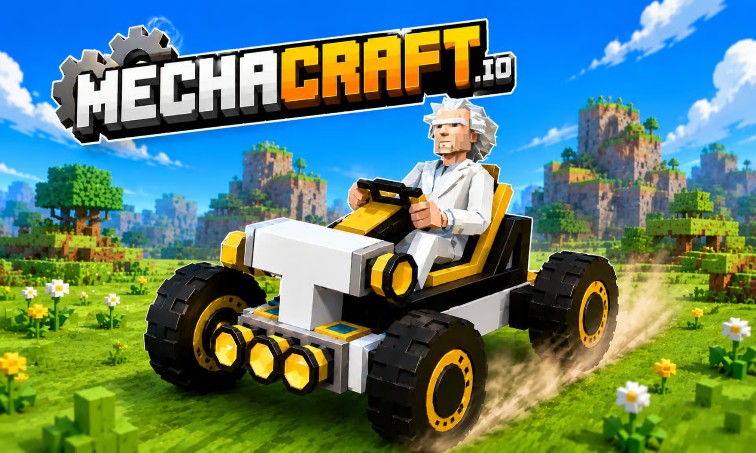
Right from the initial tutorial, Mechacraft.io introduces players to the building system by having them create a basic platform. Using simple drag-and-drop mouse controls, you can extend blocks to build structures of any desired size.
The mechanic feels much like assembling LEGO sets in a 3D space. Individual blocks combine to form larger structures, laying the groundwork for more complex designs later on.
Mechacraft.io offers a wide range of tools to support the creative process. Players can place new blocks, resize, rotate, flip components, or delete multiple blocks at once to refine their designs.
This diverse toolkit makes experimenting with new ideas easy. If a design doesn't work quite as intended, you can quickly make adjustments without having to start over from scratch.
Once the basic framework is complete, players can add various functional parts. These components transform static structures into operational machines within the game world.
The appeal of Mechacraft.io lies in its creative freedom. There are no fixed blueprints you are forced to follow. You can build simple vehicles or experiment with complex mechanical structures to push the limits of the game's physics engine.
Once a build is finished, players can directly control their machines to test how they operate. The control system is quite intuitive:
Personally piloting and testing your creations offers a satisfying experience rarely found in other building games.