Advertisements
Cavegame.io is a multiplayer survival .io game that combines resource mining, crafting, base building, monster combat, and PvP against other players.
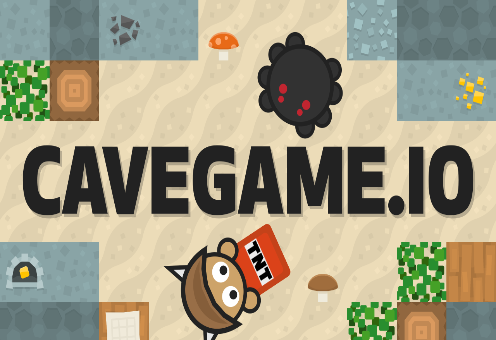
In Cavegame.io, you are placed in a 2D world where gathering resources and surviving go hand-in-hand with danger. You can mine blocks for materials, explore the map, craft tools and weapons, and build a base to protect your accumulated assets.
Unlike survival games that focus solely on mining, Cavegame.io places a strong emphasis on competition. Other players can be temporary allies or rivals you must face to defend your resources and territory.
While both belong to the multiplayer survival genre, Cavegame.io and Surviv io stand out due to their distinct gameplay mechanics and progression goals:
You need to know the controls and apply the following tips:
Cavegame.io uses the keyboard and mouse for character control:
Some actions vary depending on the item you are using, so familiarize yourself with each type of equipment before engaging in critical battles.
When starting the game, prioritizing resources and equipment is safer than constantly hunting for opponents. Good gear gives you more options if you encounter a strong player.
If you have invested significant time in accumulating gold, do not neglect your defenses. A well-planned base helps minimize the risk of losing resources during an attack.
When setting out to gather resources, carry only the essentials. This helps reduce losses if you are defeated by mobs or other players.